Sunday, September 30, 2018


Assignment 6.1
User-centered design is a problem solving process that requires creators of a product to analyze and figure out how the users would use said product. It also helps the creators see if their hunch about the users behavior during real-world tests.
Graphical User Interface- This Interface includes the elements of windows, icons, menus, buttons, and scrolling bars which are used in video game screens, DVD menus, ATM's, etc. It's pretty much used in everything.
Touch Interface- This Interface is used as both an input and output device which allows you navigate on the screen of said device by touch on various electronic devices such as the popular gaming device developed by Nintendo called the 3DS or various apple products like the iPhone.
Voice Interface- Voice Interface allows you control a device with the most commonly used of the five human senses which is sound. You speak and the interface makes the device do your bidding.
Augmented Reality (AR)- AR uses the electronics' graphics, Global Positioning System, text, and etc. to help the user to see the world differently.
Graphical User Interface- This Interface includes the elements of windows, icons, menus, buttons, and scrolling bars which are used in video game screens, DVD menus, ATM's, etc. It's pretty much used in everything.
Touch Interface- This Interface is used as both an input and output device which allows you navigate on the screen of said device by touch on various electronic devices such as the popular gaming device developed by Nintendo called the 3DS or various apple products like the iPhone.
Voice Interface- Voice Interface allows you control a device with the most commonly used of the five human senses which is sound. You speak and the interface makes the device do your bidding.
Augmented Reality (AR)- AR uses the electronics' graphics, Global Positioning System, text, and etc. to help the user to see the world differently.
Sunday, September 23, 2018


Assignment 5.1
Visual Hierarchy
It is the order of what content the person who is viewing the content as they see it.Why is it important?
It can enhance and bring order and organization to a web page. It can also use the principles of design.
Here is an Example of Visual Hierarchy
https://bethesda.net/en/dashboard
Sunday, September 16, 2018
Assignment 4.3
In my opinion the Rule of Thirds can used for simple images while the Golden Ratio can used for more complex images.

Golden Ratio- a mathematical construct used to determine the proportion of a visual space.

Assignment 4.2


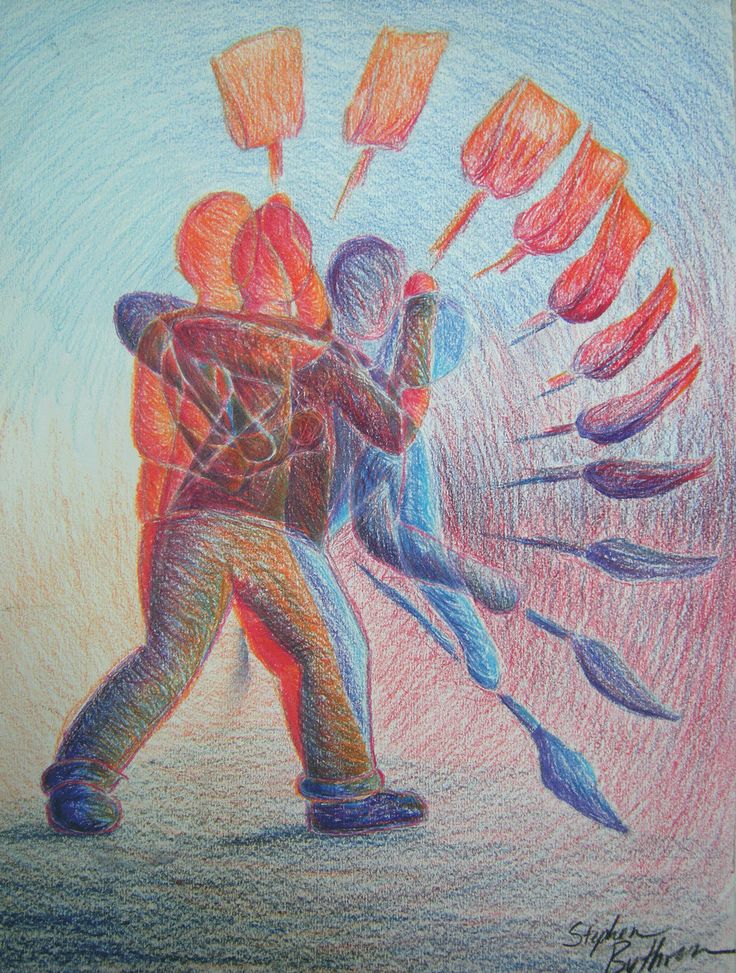
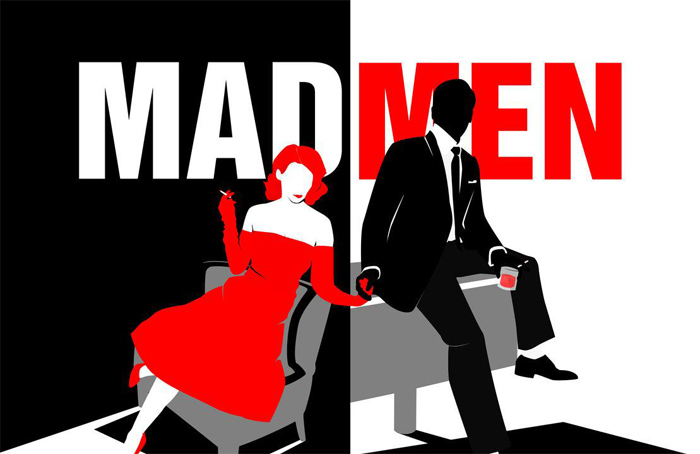


Saturday, September 15, 2018
Assignment 4.1
Elements of Design
Space

Dot

Line (One of straight and one of curved)


Shape

Form

Texture

Pattern

Color

Thursday, September 6, 2018
Assignment 3.2
1. What company is hiring? (sometimes this is left blank, give any information you have)
Technical Resources International in Bethesda, Maryland;
2. What is the job title?
Multimedia Designer.
3. What are the job responsibilities?
In addition to being skilled in different types of visual communications design and development (graphic, illustration, motion graphics, video, photography, etc.), a successful candidate will be proactive, communicate effectively, show attention to detail, be aware of current trends in the visual arts and design software, and understand production costs and time management. A designer will be assigned to multiple projects under tight deadlines, so clear organization of project assets is key. A successful must also be able to manage collaboration with multiple stakeholders on a single project, and will be required to receive, organize, and translate feedback into a reasonable and cohesive approach, with guidance from Graphics team supervisors. Print projects include corporate identity materials, brochures, booklets, newsletters, direct mail, small and large format advertisements, and event materials. Digital projects require hand work, including trimming and mounting.
4. What are the requirements needed to be considered for hire? (education, special training, etc)
The requirements for the job are the following:
- Minimum 4-year degree in an applicable creative arts, media, or design program.
- 4 years of experience in graphic or multimedia design.
- Strong proficiency with concept development, page layout, graphic manipulation, and typography.
- Strong proficiency with design software, including the Adobe Creative Suite (InDesign, Photoshop, Illustrator) and Microsoft Office (Word, Power Point)
- Proficiency and experience with e-learning development using Adobe Captivate, Articulate, or other e-learning software.
- Ability to adapt to different client aesthetics, creative workflows, and processes.
- Comfortable in both print and digital media.
- Working knowledge in Web Design, HTML, HTML Animation, CSS, and JavaScript.
5. Why do you think you would be good in this position? (Approach this as an interview question. Answer it fully!) I would be a good fit for this job because I am a hard and dedicated worker. I am also skilled in using the programs need for this position. Also I am also friendly and a good "people person", so I can get along with any customer. I try my hardest when it comes to the job.
6. What steps do you need to take from here to prepare you for this position?
Finish my degree, get better acquainted with the programs needed for the job, move to Maryland, and then finally apply for the job.
Subscribe to:
Posts (Atom)